
Clear explanations to get more from each tool
Practical content without filler: what to do, why it matters and when to use each tool.
What a QR contains and how to inspect it
Fictional examples, misleading domains, Wi-Fi passwords and scam-prevention tips.
Read guide → PrivacyCheck personal data before sharing text
Interactive sample, easy-to-miss clues and a step-by-step final check.
Read guide → Images
What photo metadata is
EXIF, GPS, software, dates and other data that can travel inside a file.
Read guide → Links
LinksWhat UTM, fbclid and gclid are
Which parameters are used for attribution and tracking and which ones a URL can remove.
Read guide → Browser
What information your browser can expose
Screen, language, time zone, WebGL and other signals available to a website.
Read guide → Passwords
How to create a secure password without making it complicated
Length, random words, password managers and habits that reduce the most common mistakes.
Read guide → Files
FilesSHA-256 and SHA-512: how to check a file
What a hash proves, when to compare it and why a match is not the same as trust.
Read guide →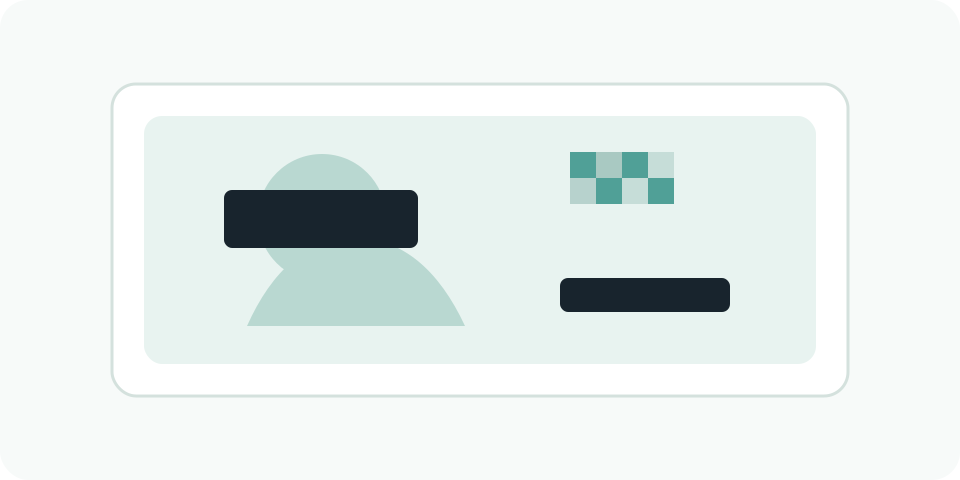 Images
How to hide sensitive data before sharing an image
Opaque blocks, blur, metadata and a final review so you do not publish more information than necessary.
Read guide → Images · AI
AI metadata: C2PA, Content Credentials and what can be removed
What provenance information can travel inside an image and why removing metadata is not the same as removing every possible signal.
Read guide → Network
What your public IP can reveal — and what it cannot
Provider, ASN, approximate location and the real limits of IP geolocation.
Read guide → Images
JPG, PNG or WebP: which format to choose
When each format makes sense, what happens to transparency and what conversion cannot restore.
Read guide →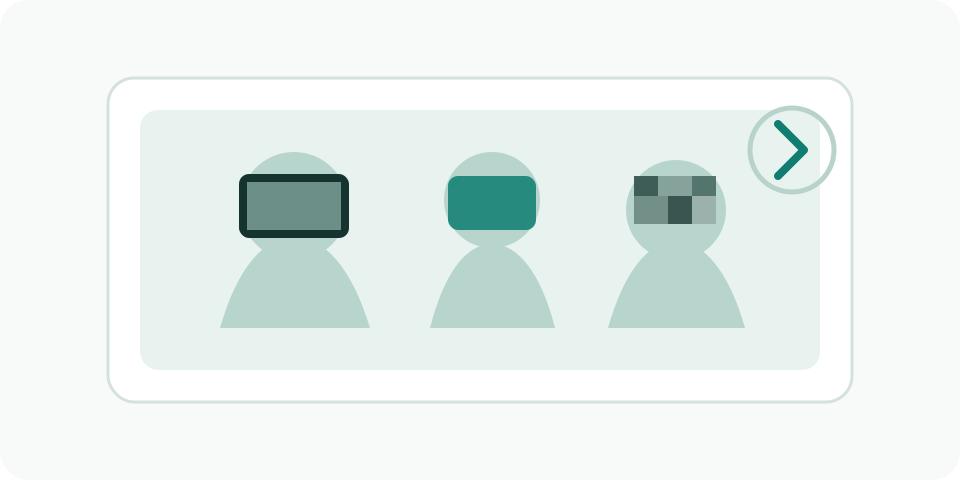 Images · Privacy
When to pixelate faces in photos: privacy, minors and consent
Practical cases for organisations, centres, minors and social media posts.
Read guide →