
iPhone Lockdown Mode
What it is, how to enable it and when to use it
Reviewed: · Official sources
Who needs Lockdown Mode?
Lockdown Mode is an optional, extreme security measure from Apple designed to reduce exposure to rare, highly sophisticated targeted cyberattacks, including mercenary spyware. Available since iOS 16, it restricts certain iPhone features to reduce potential attack paths. It is not antivirus software and does not remove existing malware.
It is intended for a small number of people facing a credible, specific threat, potentially including investigative journalists or human rights defenders. Most iPhone owners do not need it, as Apple explains.
What does Lockdown Mode restrict?
- Messages: many attachment types and link previews are blocked; plain-text SMS still works.
- Safari and websites: complex web technologies are limited and some sites may load differently or not work correctly.
- FaceTime: incoming calls from people you have not called within the previous 30 days are blocked; SharePlay and Live Photos are limited.
- Apple services: certain incoming invitations and features such as Game Center are restricted.
- Photos: location data is excluded from shared photos; Shared Albums are limited.
- Accessories: the iPhone must be unlocked for certain computer and accessory connections.
- Wi-Fi and cellular: automatic connection to insecure Wi-Fi is prevented, and 2G/3G cellular support is disabled.
- Profiles: new configuration profiles and some device-management enrolments are blocked.
Ordinary telephone calls and emergency features remain available. Specific protections can vary by iOS version.
How to enable Lockdown Mode
- Update your iPhone to the latest compatible iOS version.
- Open Settings and choose Privacy & Security.
- Scroll to Lockdown Mode.
- Tap Turn On Lockdown Mode and read the explanation.
- Confirm Turn On & Restart, then enter your passcode if requested.
Lockdown Mode needs to be enabled separately on iPhone, iPad and Mac. When enabled on an iPhone, it also applies to a compatible paired Apple Watch. Check Apple's official guide for interface changes.
What happens to WhatsApp, Safari and other apps?
Lockdown Mode does not uninstall WhatsApp or block all third-party apps. Some experiences using links or web content may be affected, depending on the app and iOS version. Safari restrictions may be more noticeable.
Apple allows exceptions for some websites and apps, but each exception reduces protection. Only make exceptions for essential, trusted services. Regular phone calls and plain-text messages still work even where certain FaceTime calls are blocked.
How to turn it off
Open Settings → Privacy & Security → Lockdown Mode, select the option to turn it off and follow the restart instructions. The extra restrictions will then be removed.
Frequently asked questions
Does everyone need Lockdown Mode?
No. Apple designed it for people facing exceptional targeted threats. Most people do not need it.
Does it remove viruses or spyware?
No. It is a preventative feature, not a malware detection or removal tool. Seek qualified assistance if you suspect a compromise.
Can I still make emergency calls?
Yes. Apple says emergency features are not affected.
Can I exclude a particular website?
Yes, in Safari. This reduces the protection for that site, so exceptions should be rare.
Which iPhones support it?
iPhone models running iOS 16 or later. Protections may differ by software version.
Does it save battery power?
It is not designed as a battery-saving feature, and Apple gives no universal battery-life figure for it. Its purpose is to reduce attack exposure.
Conclusion
Consider Lockdown Mode if you face a credible risk of highly sophisticated targeted surveillance. It is not necessary for everyday iPhone use. Timely updates, secure authentication and unique passwords are more broadly useful priorities.
Try our password generator or browse the Security Center.
Sources and editorial review
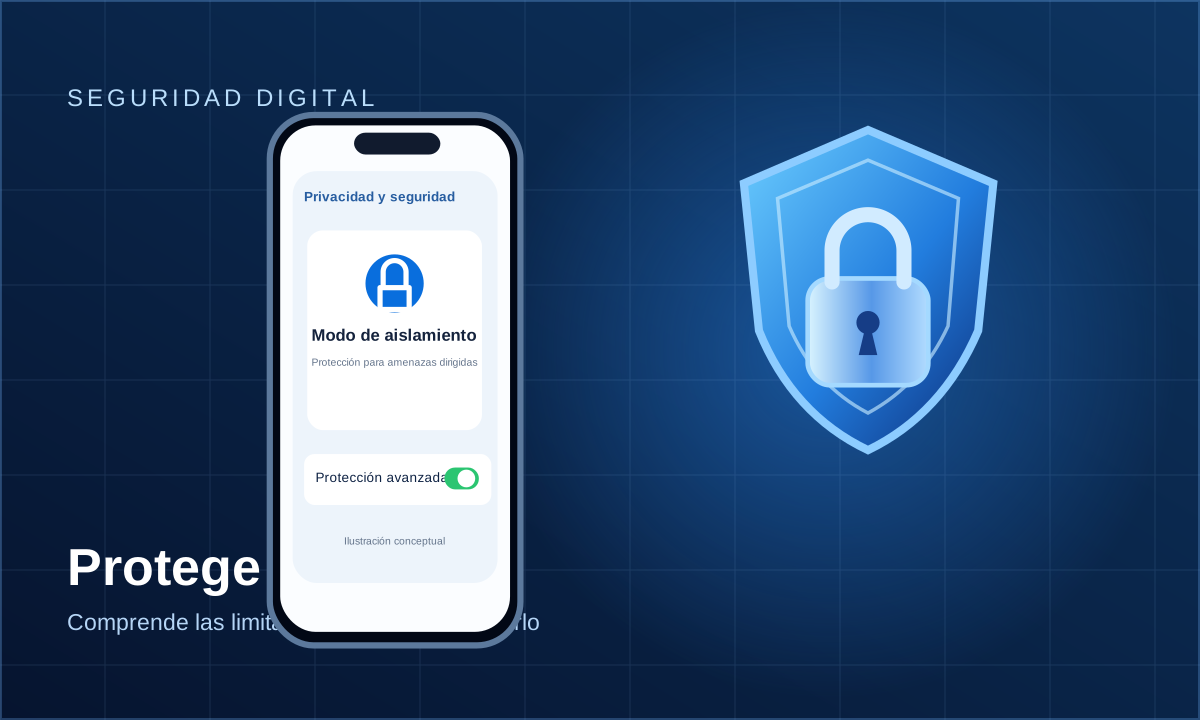
Reviewed on using Apple's official documentation. The illustration is conceptual, not an actual iOS screenshot. This article is not an individual security audit.